
How to Invite Friends and Create Squads in Wardogs
Players looking to team up in the first-person shooter Wardogs must navigate server selection, faction queues, and the in-game squad creation tool.

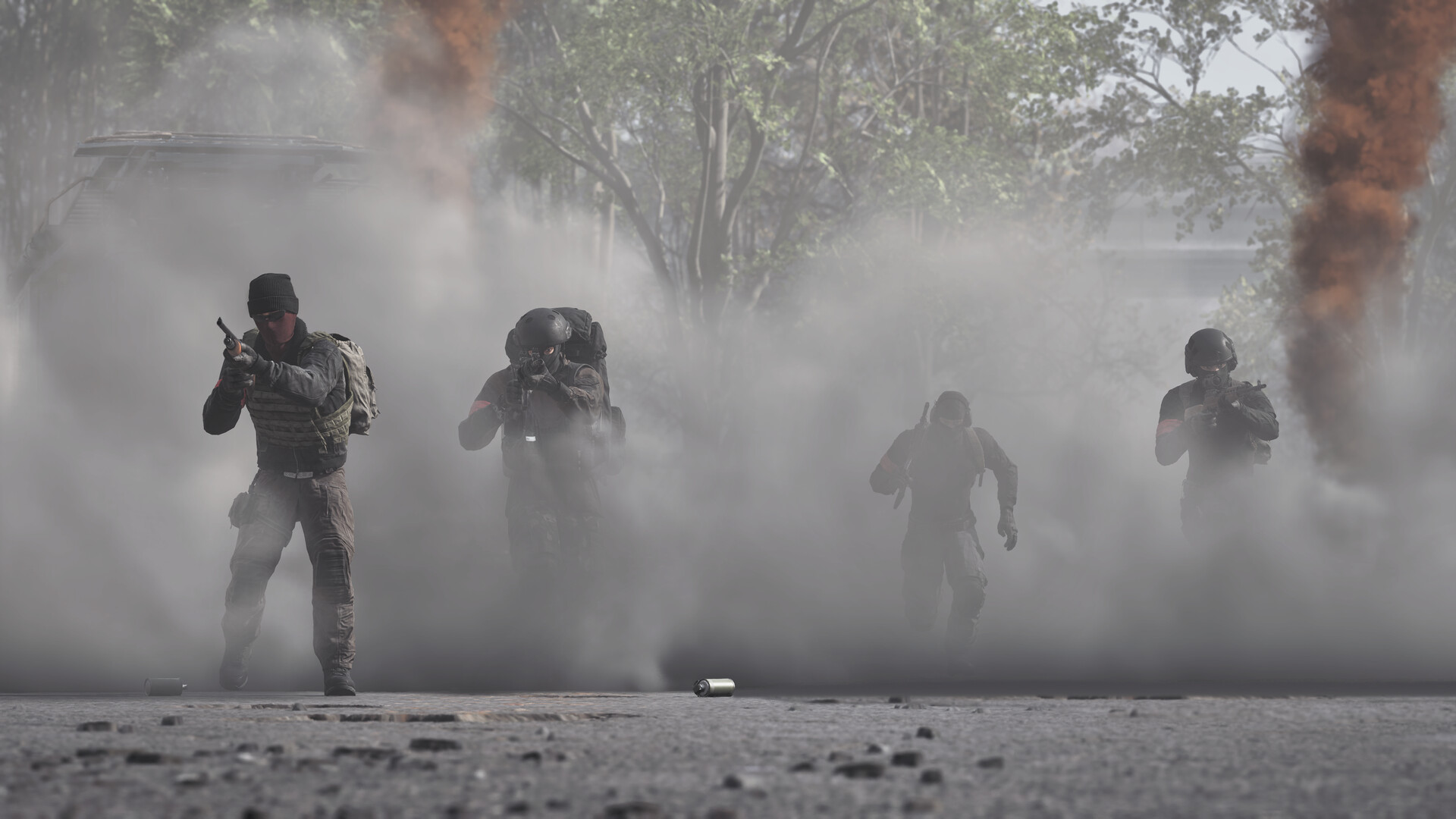
Wardogs is making moves in the first-person shooter scene, but players looking to team up with their friends will need to navigate a specific process to get everyone into the same game. Unlike many modern shooters, you cannot create a party before entering a match of Wardogs. Instead, players must coordinate their server selection and faction choices manually before they can form an official squad.
To join a game together, you can invite your friends after you have already joined a match. This is done through the Steam friends list by right-clicking your friend's name and selecting "Invite To Game." Your friends can then click the invite to join the server you are in. Alternatively, you can agree on which server to join ahead of time using the Server Browser, or send your friends your six-digit Server ID code. This code is entered using the "Join By ID" button located at the bottom of the Server Browser screen.
Getting your group onto the same faction requires some coordination and patience. Players cannot invite friends directly to their chosen faction. Once you join a server, you must select which of the three factions to join: Lonestar, Valkyra, or Manticore. If the desired faction is full, players will have to wait in the faction selection screen until a slot becomes available on Valkyra or Manticore.
Once you are in a match and have successfully selected the same faction, you can create a squad. Press the Esc key and click "Create Squad" in the top-right corner of the screen. This will generate a squad named after the next available letter in the NATO alphabet. Your friends can then join the newly created squad from the same screen. As the squad leader, you can choose to lock the squad or leave it open for random players to join.
Forming a squad provides a major tactical advantage in Wardogs. Squad voice chat persists across any range, whereas standard proximity chat is limited by distance and can be heard by nearby enemies.
Sources
- ShacknewsEstablished publication · recorded Sep 15, 2026How to invite friends & create a squad - Wardogs